BricsCAD Assist
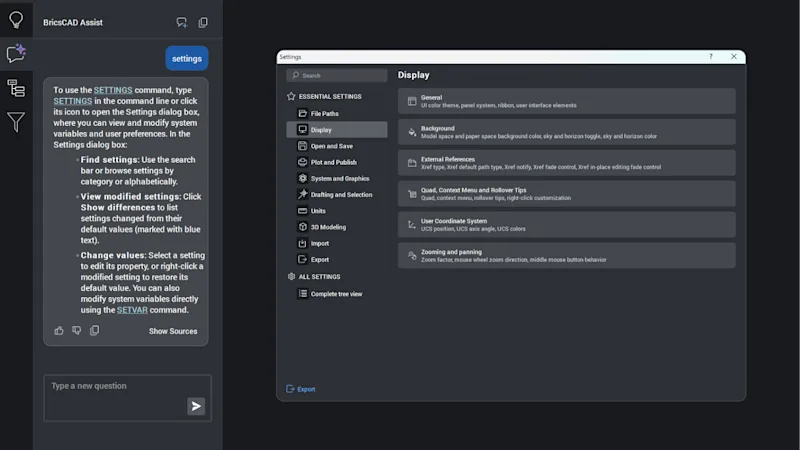
AI-driven chat panel that helps users quickly find documentation, how-to tips, and guidance, all integrated directly into the BricsCAD interface.
BricsCAD reads and writes the .dwg format and offers high compatibility with AutoCAD®. Its .dwg compatibility level together with the availability of a constant growing number of third party applications makes BricsCAD the best alternative solution.
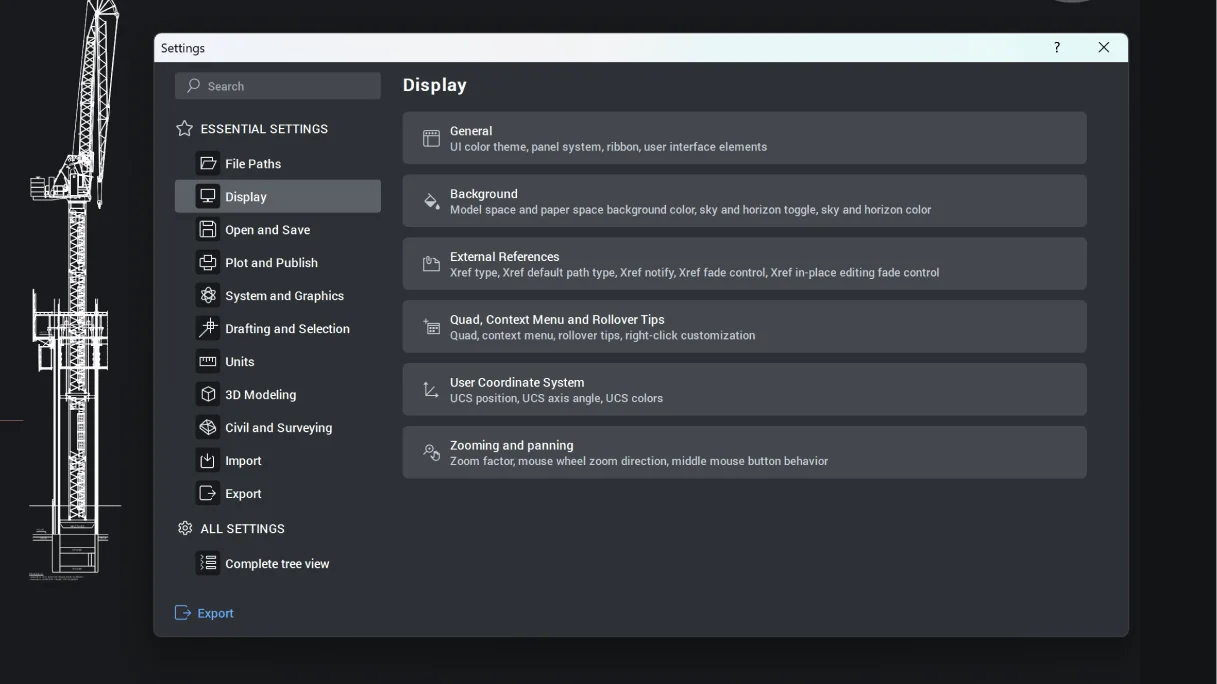
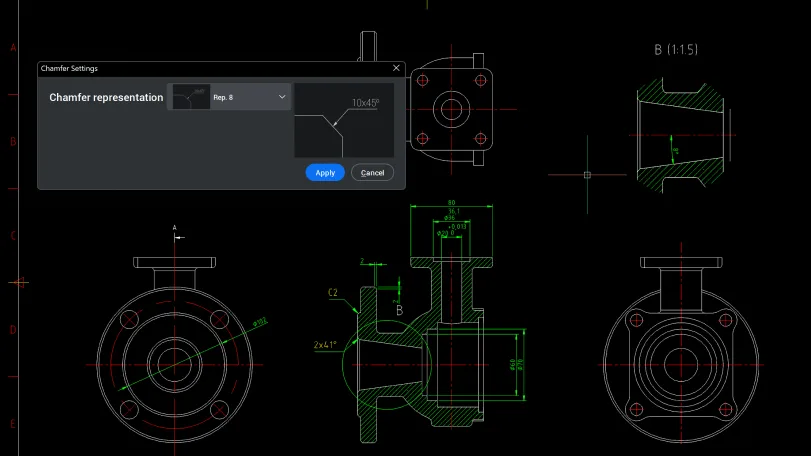
AI-driven chat panel that helps users quickly find documentation, how-to tips, and guidance, all integrated directly into the BricsCAD interface.
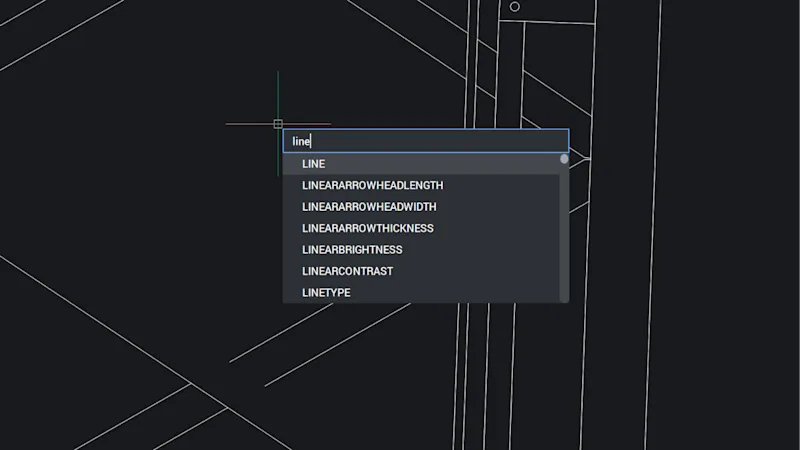
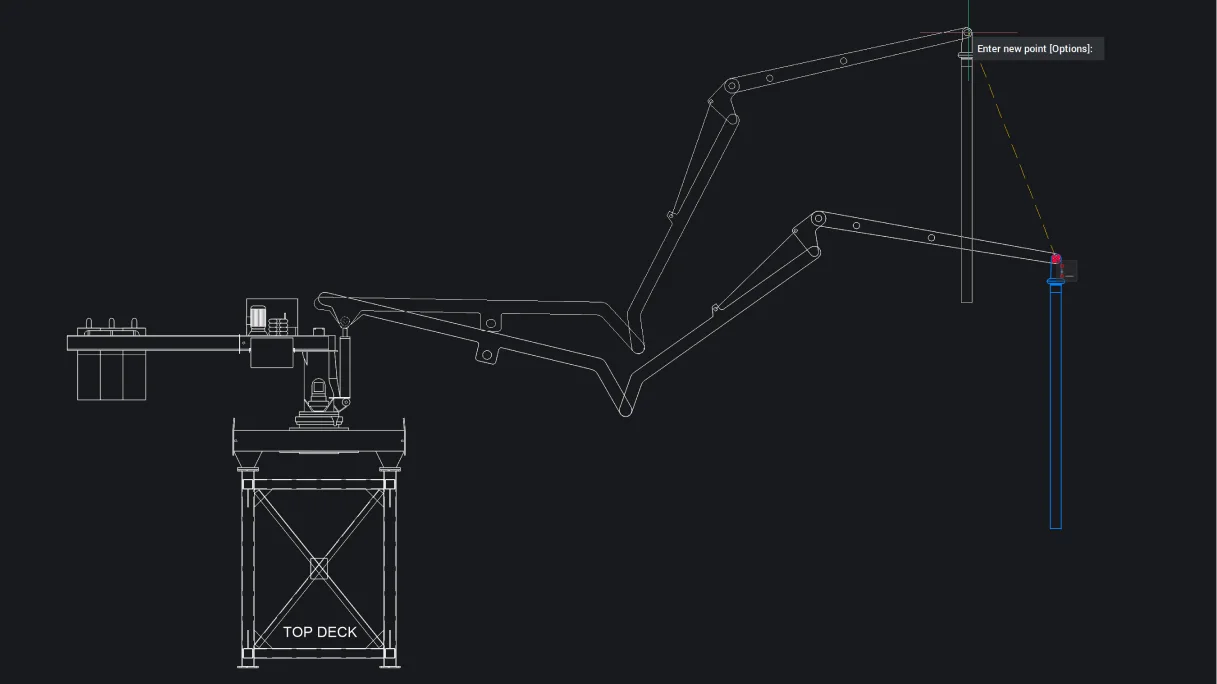
Dynamic Input displays information at your cursor, so you can focus on your work instead of the command line, offering faster, precise input.
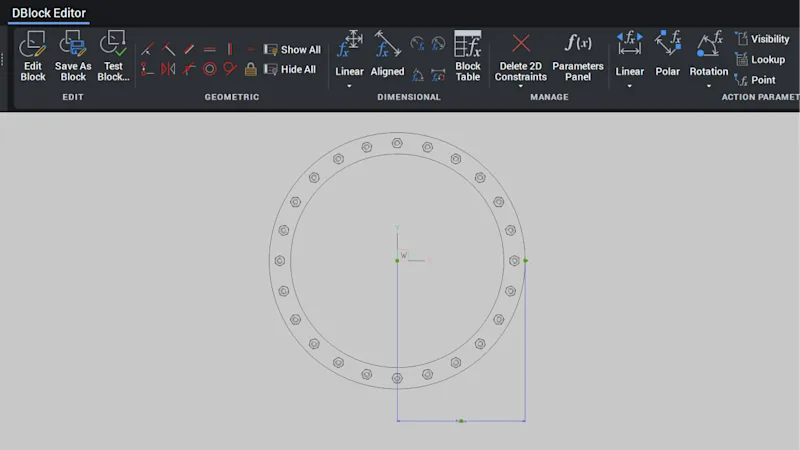
Fully compatible editing of dynamic blocks. Users can now create and edit dynamic blocks in a platform-agnostic way, simplifying migration from other CAD software.
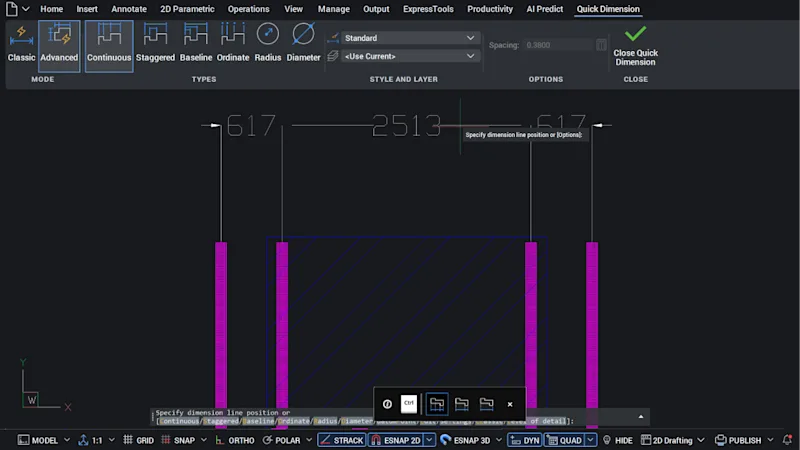
Functionality is extended to blocks, Paper Space, and viewports, reducing command repetition for fast detailing with four times fewer mouse clicks.
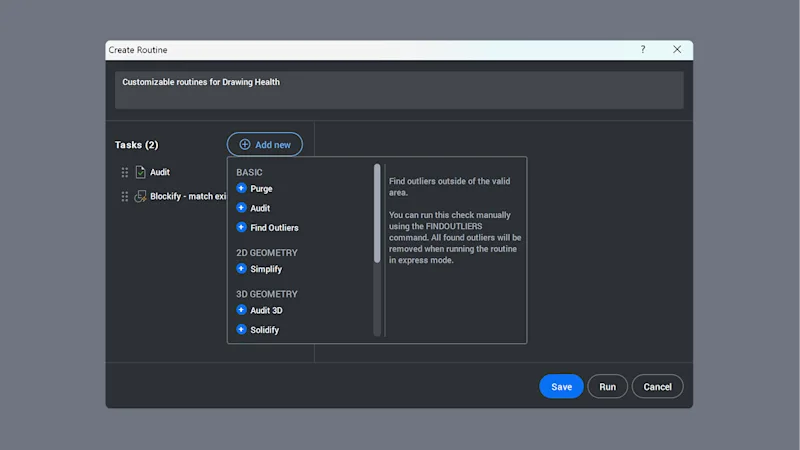
More options to customize your routines in the Drawing Health panel or through the command line. Tasks can be reordered, repeated within a routine, and customized.
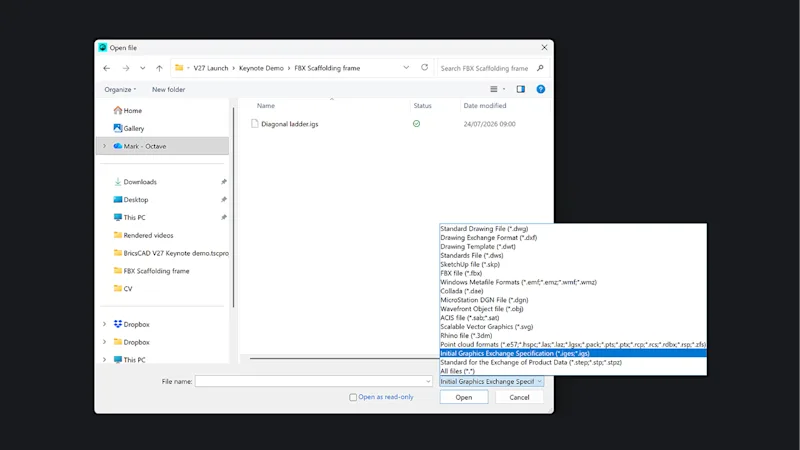
STEP and IGES import/export is included in BricsCAD product levels with 3D capability, saving the cost of additional translation tools.
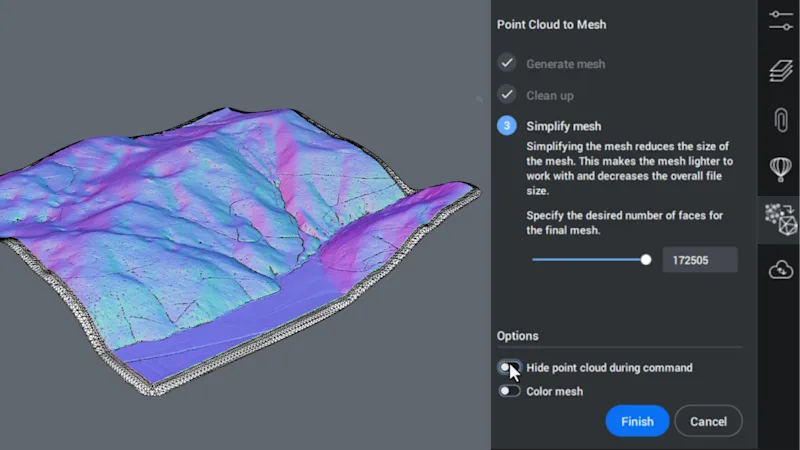
Collaborate efficiently with large point clouds, with up to 80% file size reduction and full compatibility with legacy CAD (POINTCLOUDTOMESH / MESHSIMPLIFY).
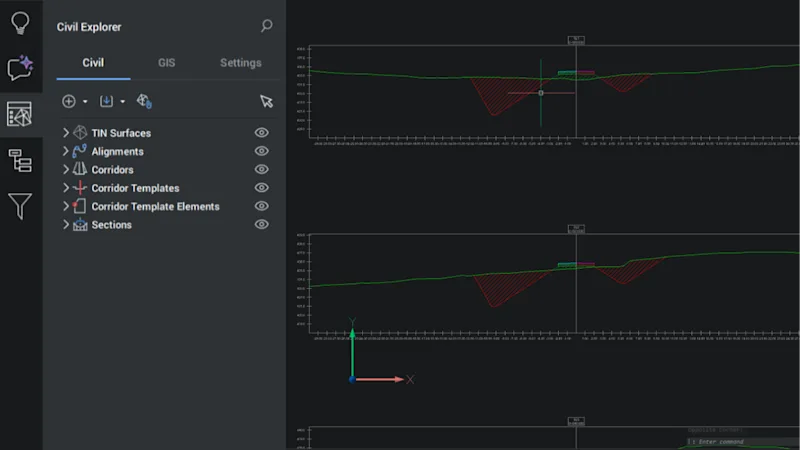
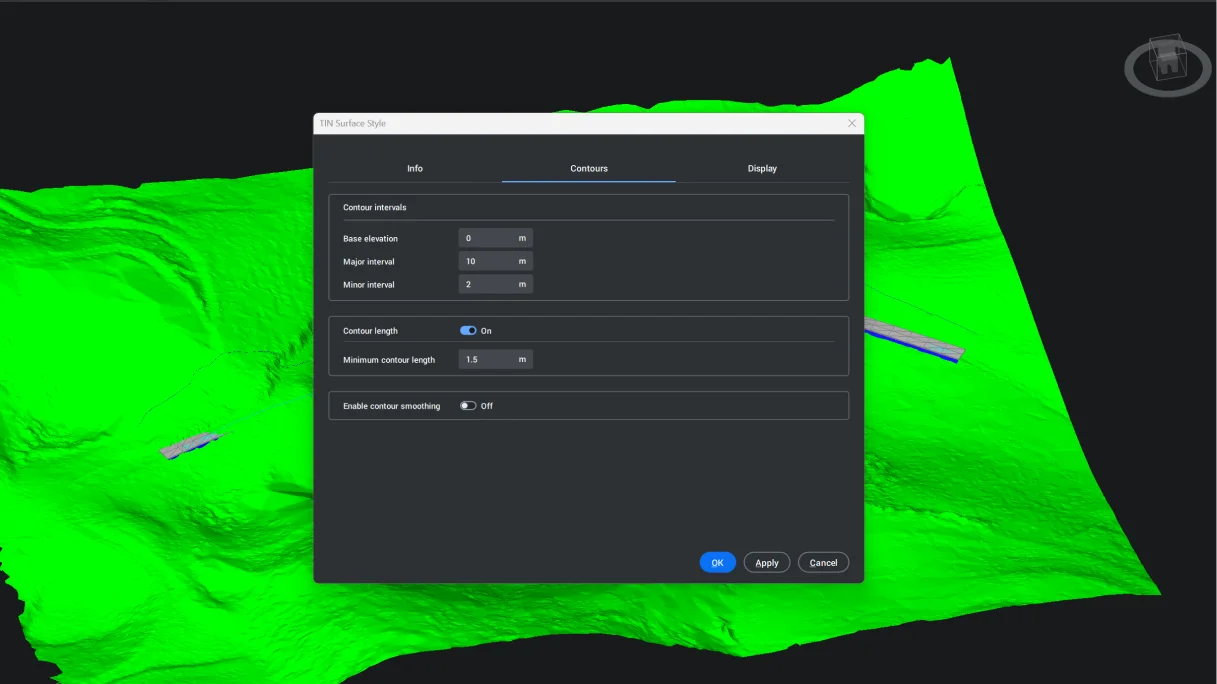
Calculate earthwork and structural volumes and create volume tables for faster, more accurate reporting (CALCULATESECTIONVOLUMES).